
Templates
A template is a saved publish draft: subject, message type, JSON body and headers in one preset. Use them for the messages you send over and over while testing a service.
Save a template
From the Publish tab of any stream, fill in the form and click Save as template. Give it a name and it lands in the template list.
Use a template
The Publish tab has a Templates dropdown showing how many you have. Pick one and it loads its subject, payload and headers into the form. A toast offers Undo if you picked the wrong one.
The dropdown also links to Manage all in Settings →.
Manage templates
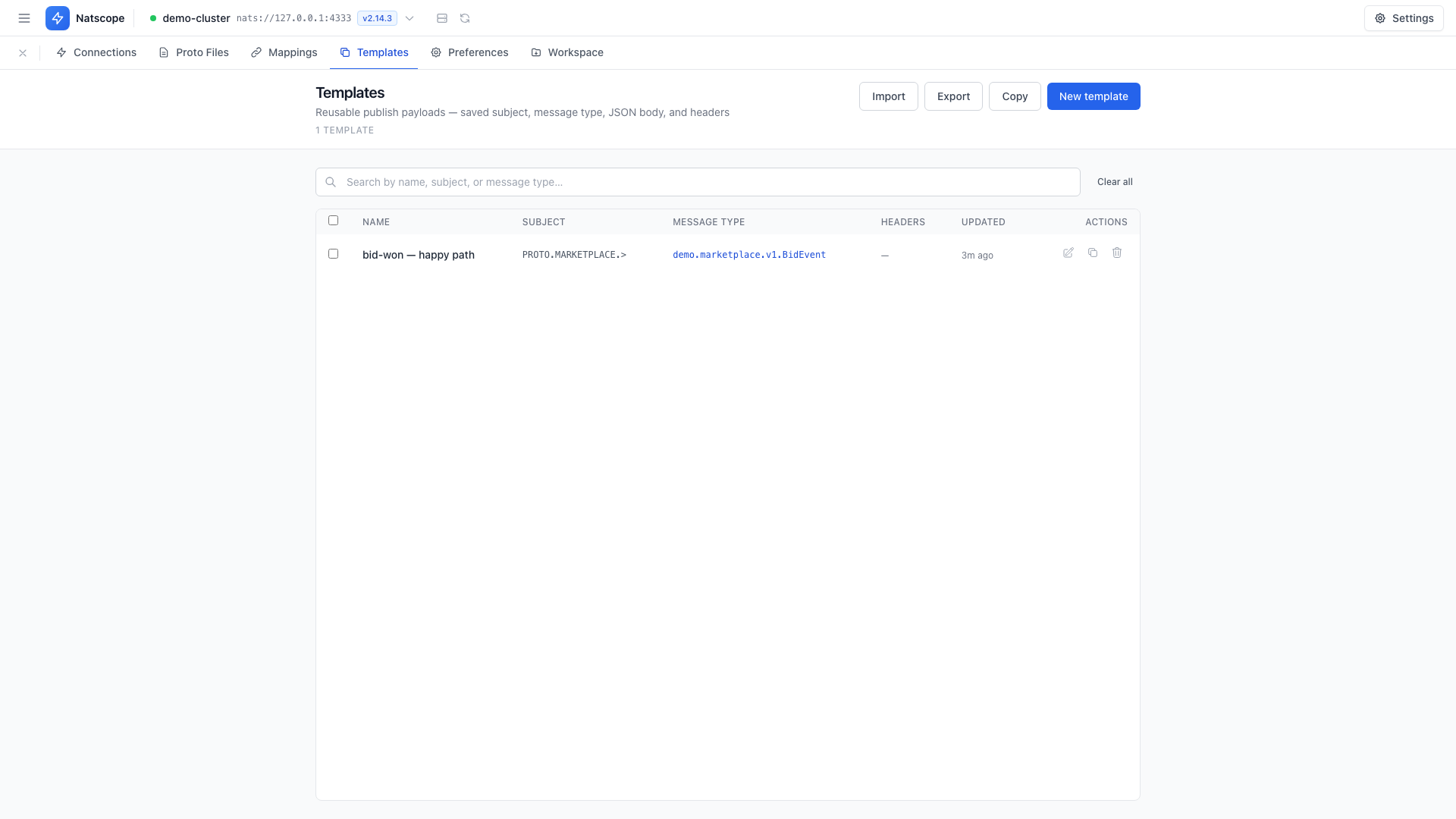
Settings → Templates lists them all with Name, Subject, Message type, Headers and Updated columns.
- New template creates one from scratch
- Row actions: edit, duplicate, delete
- Import and Export move templates between workspaces as JSON
- Copy puts the selection on the clipboard
- Select several rows for Delete selected, or wipe the list with Clear all
Templates travel in a workspace export as their own section.