
Streams and messages
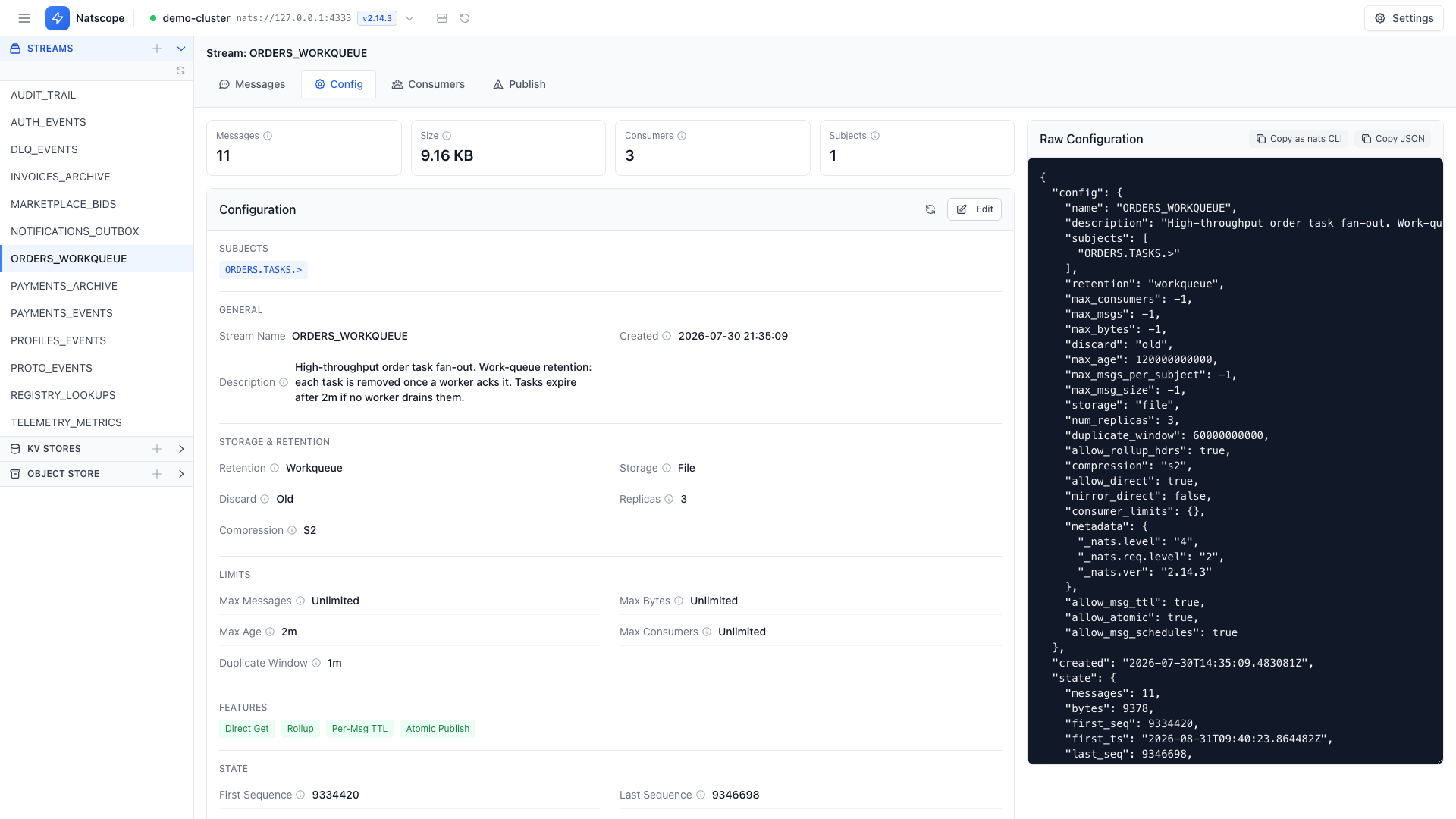
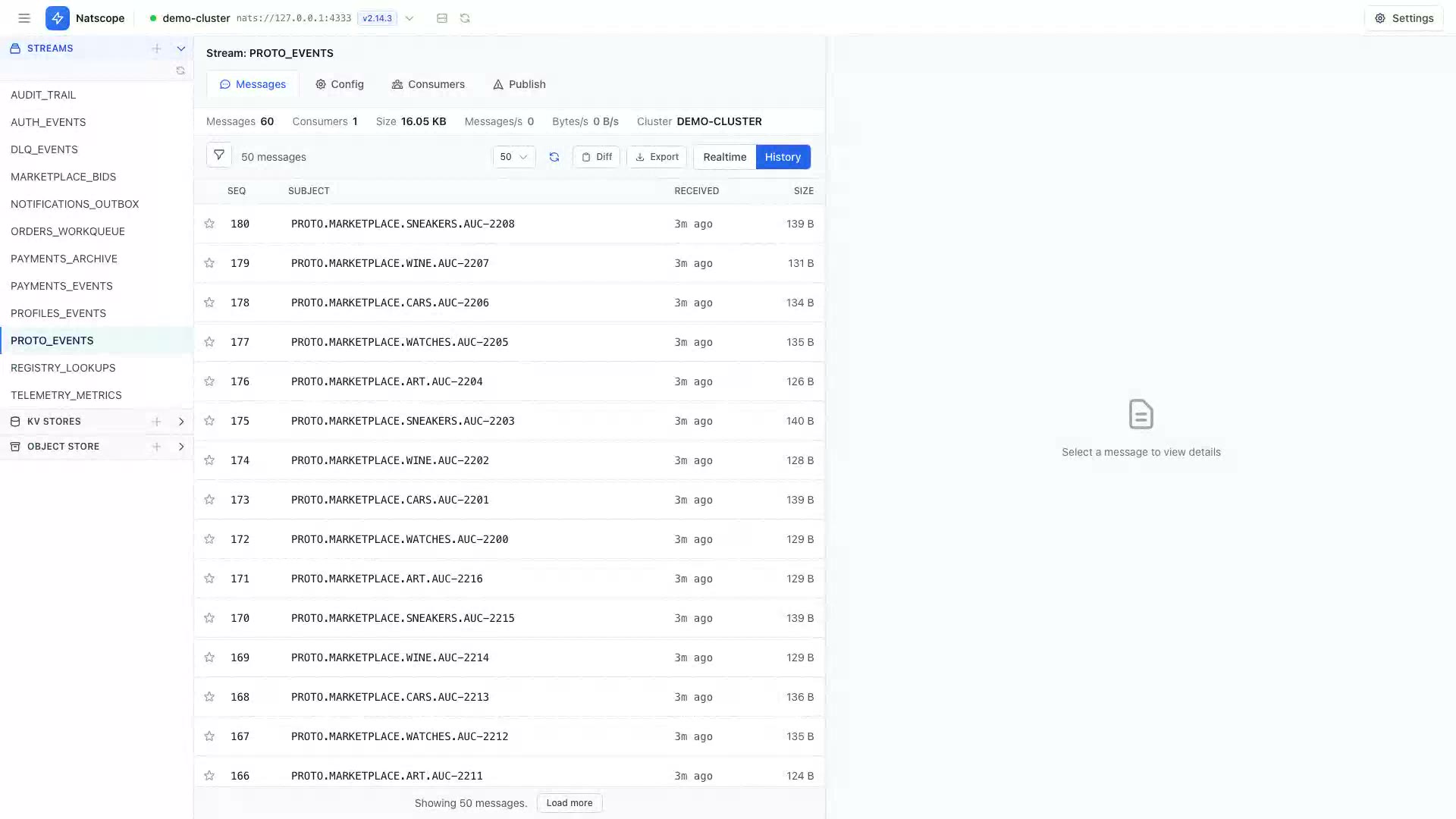
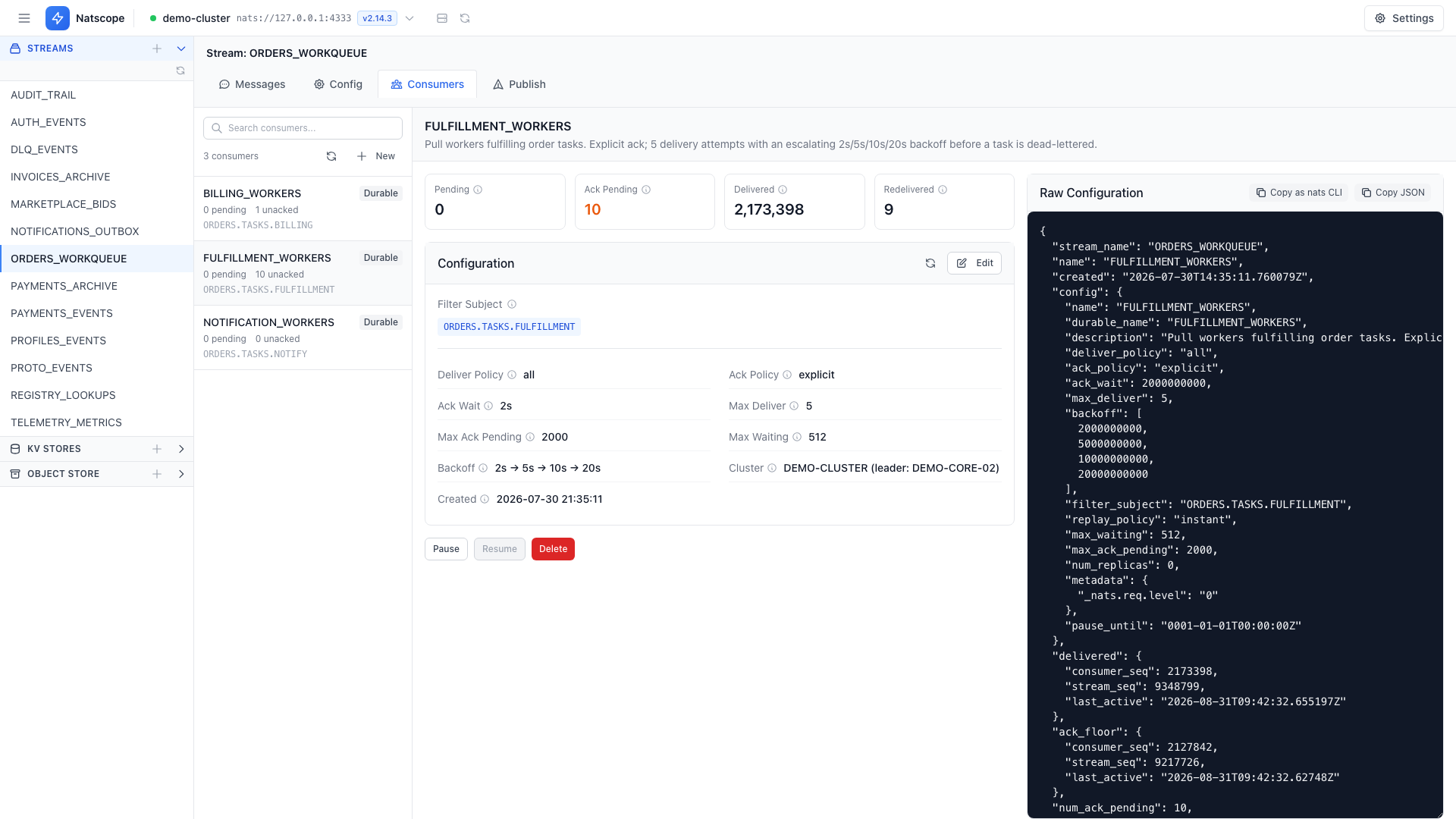
The sidebar lists every JetStream stream on the server. Open one and the Messages tab shows what is inside.
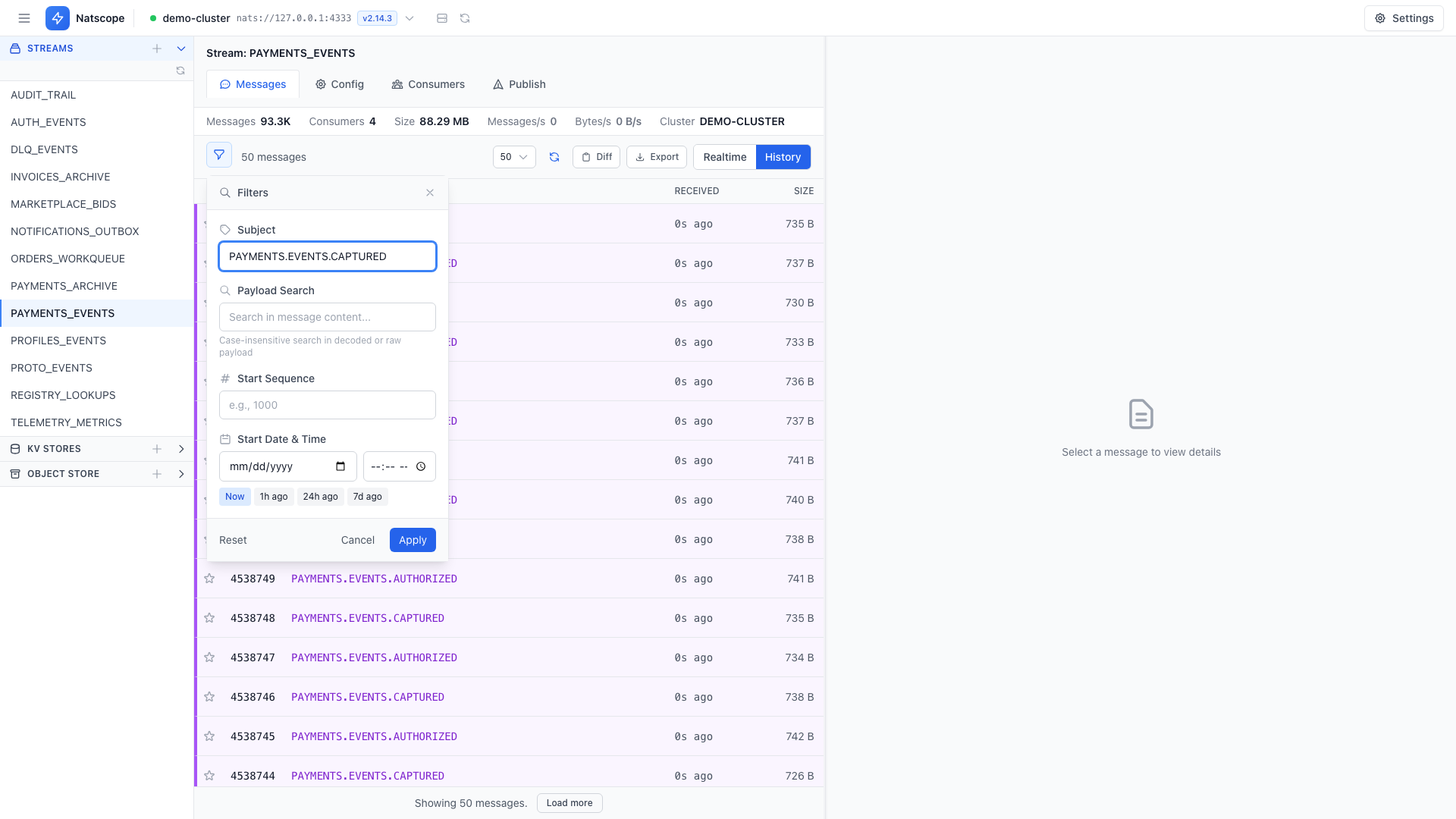
Stored messages arrive newest first, with paging in both directions. Filters narrow the list by subject pattern, payload text, start sequence or timestamp.
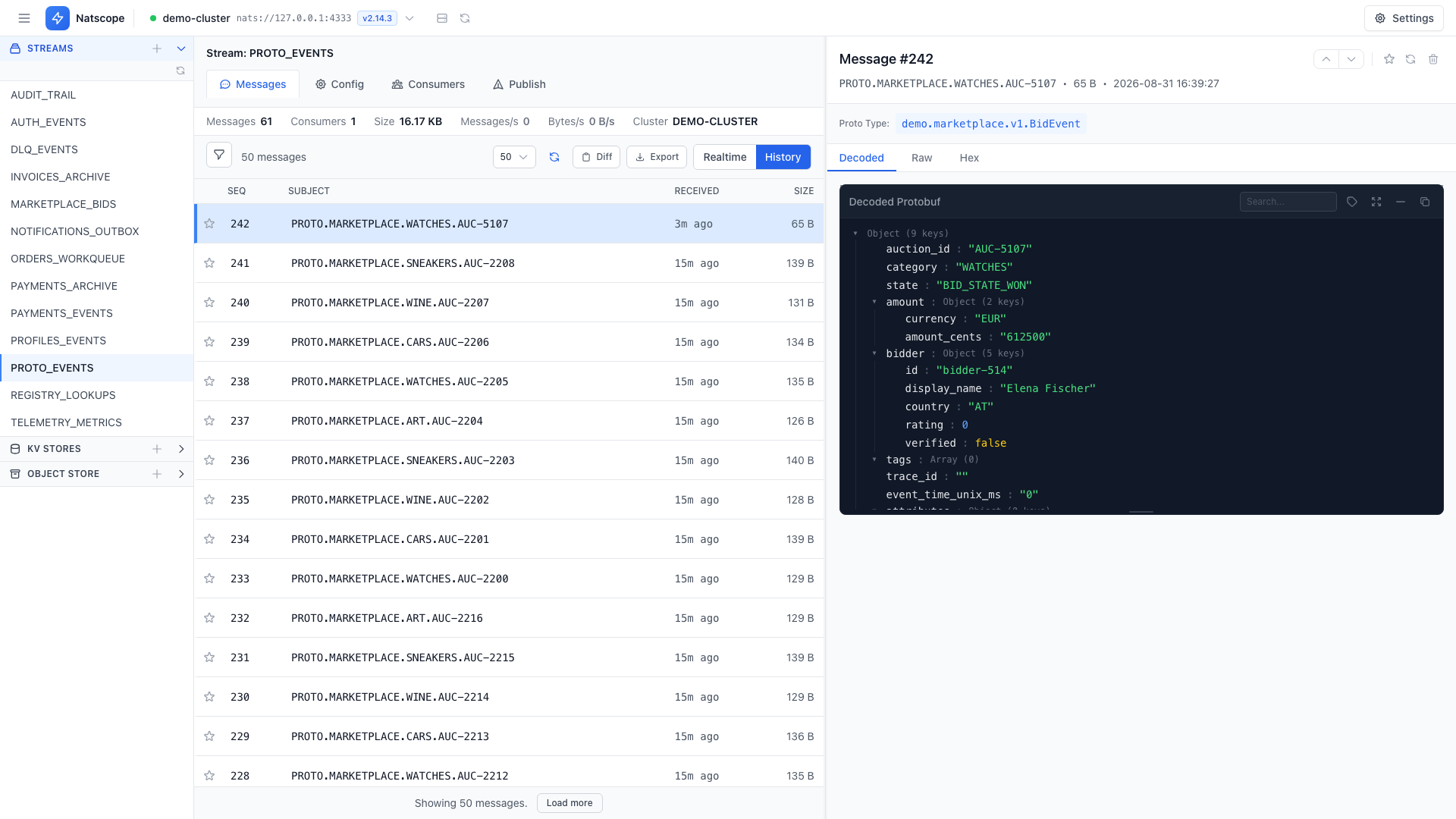
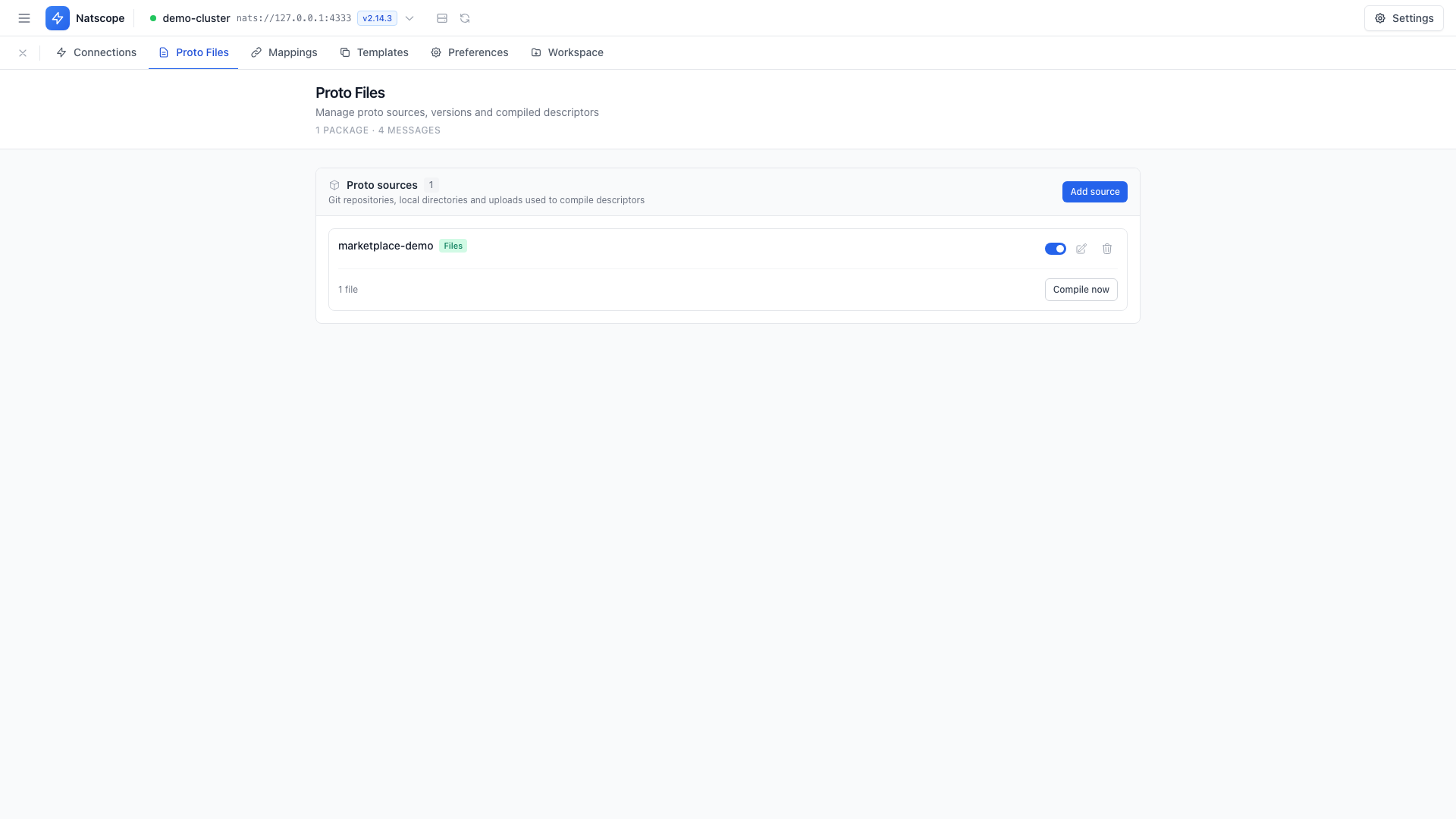
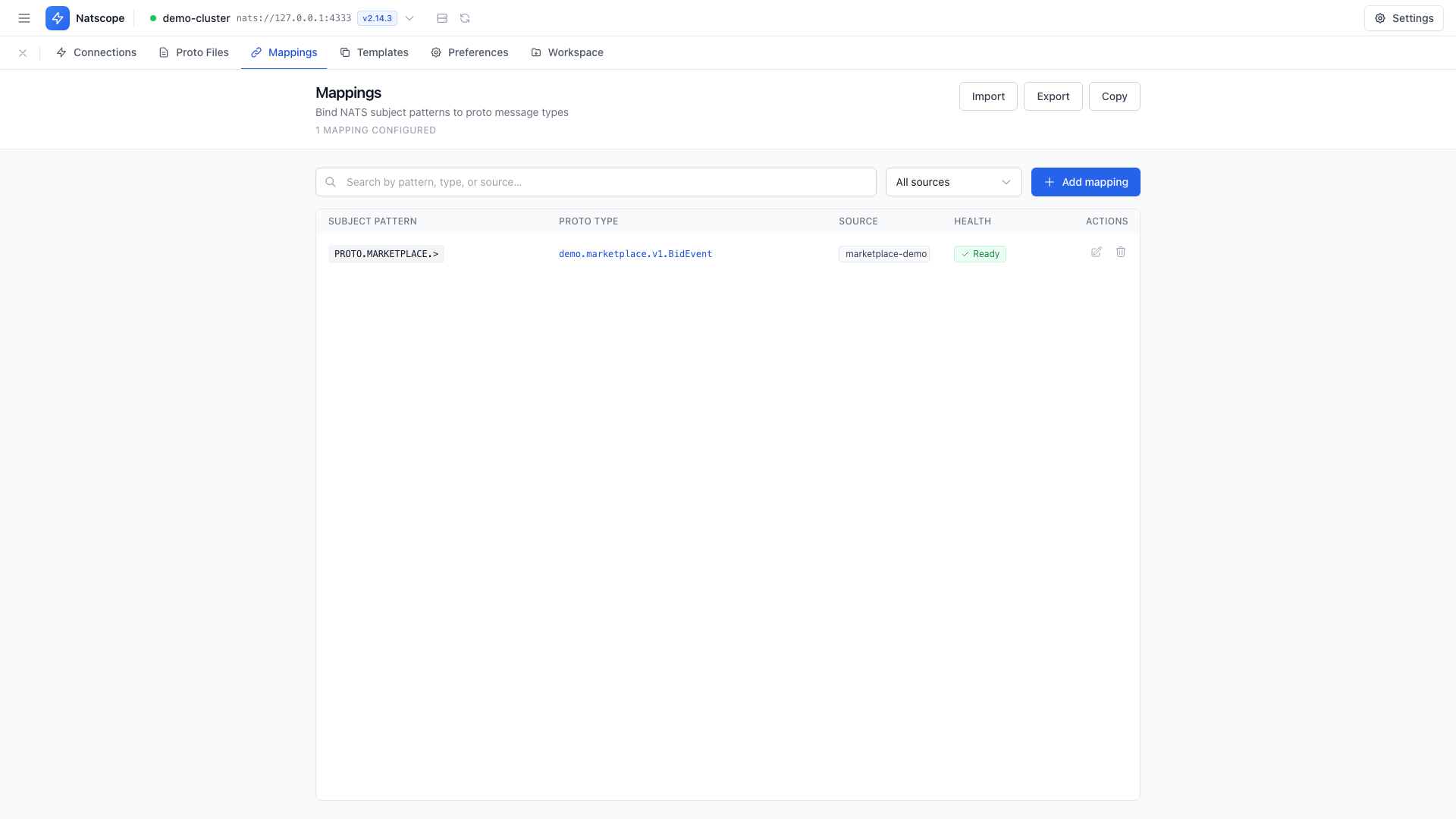
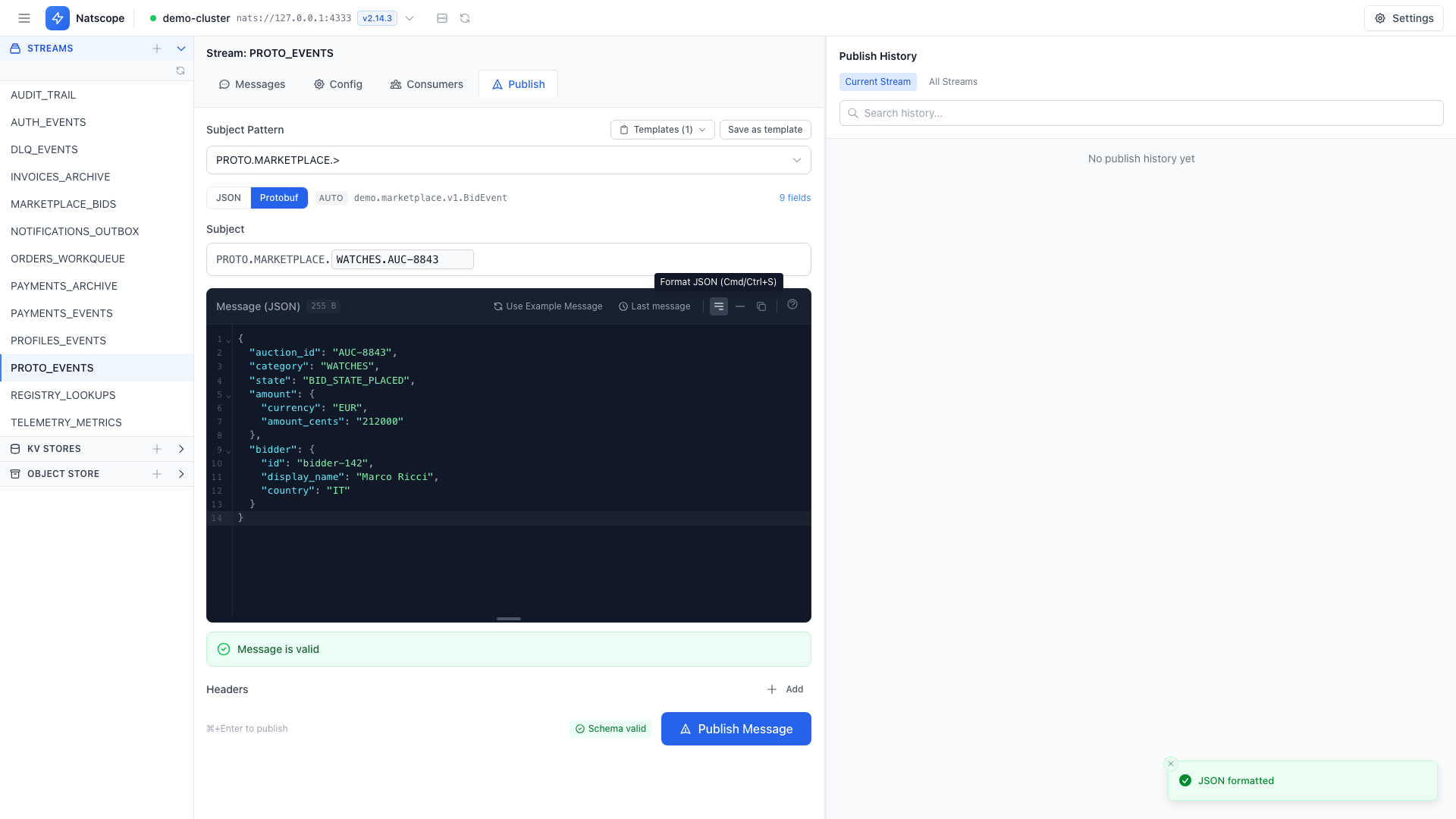
Click a row and the side panel shows headers, timing and the payload. When a Protobuf mapping matches the subject, the payload renders as JSON.
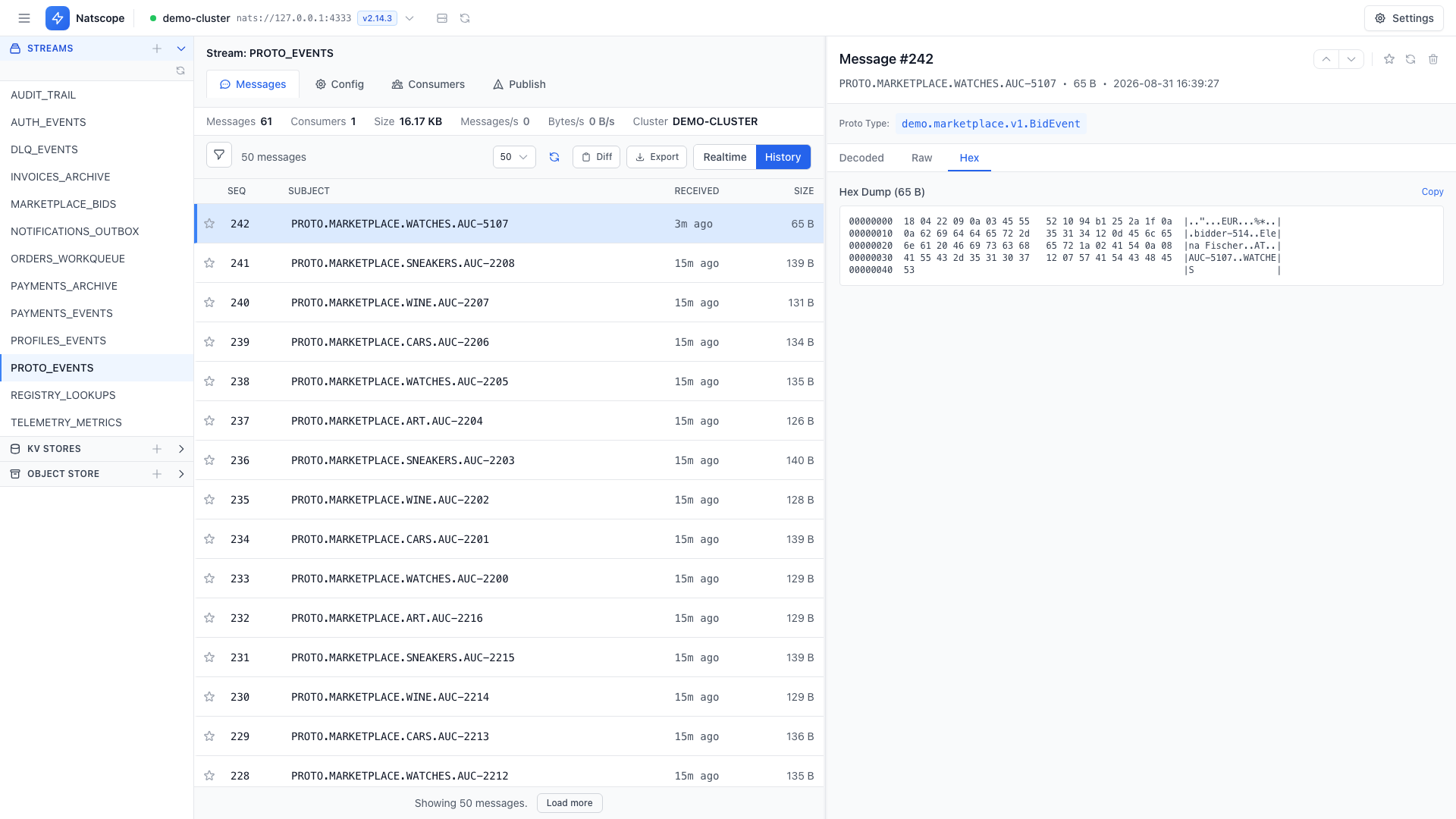
The same payload as raw text, hex or Base64 when you need to see the exact bytes on the wire.
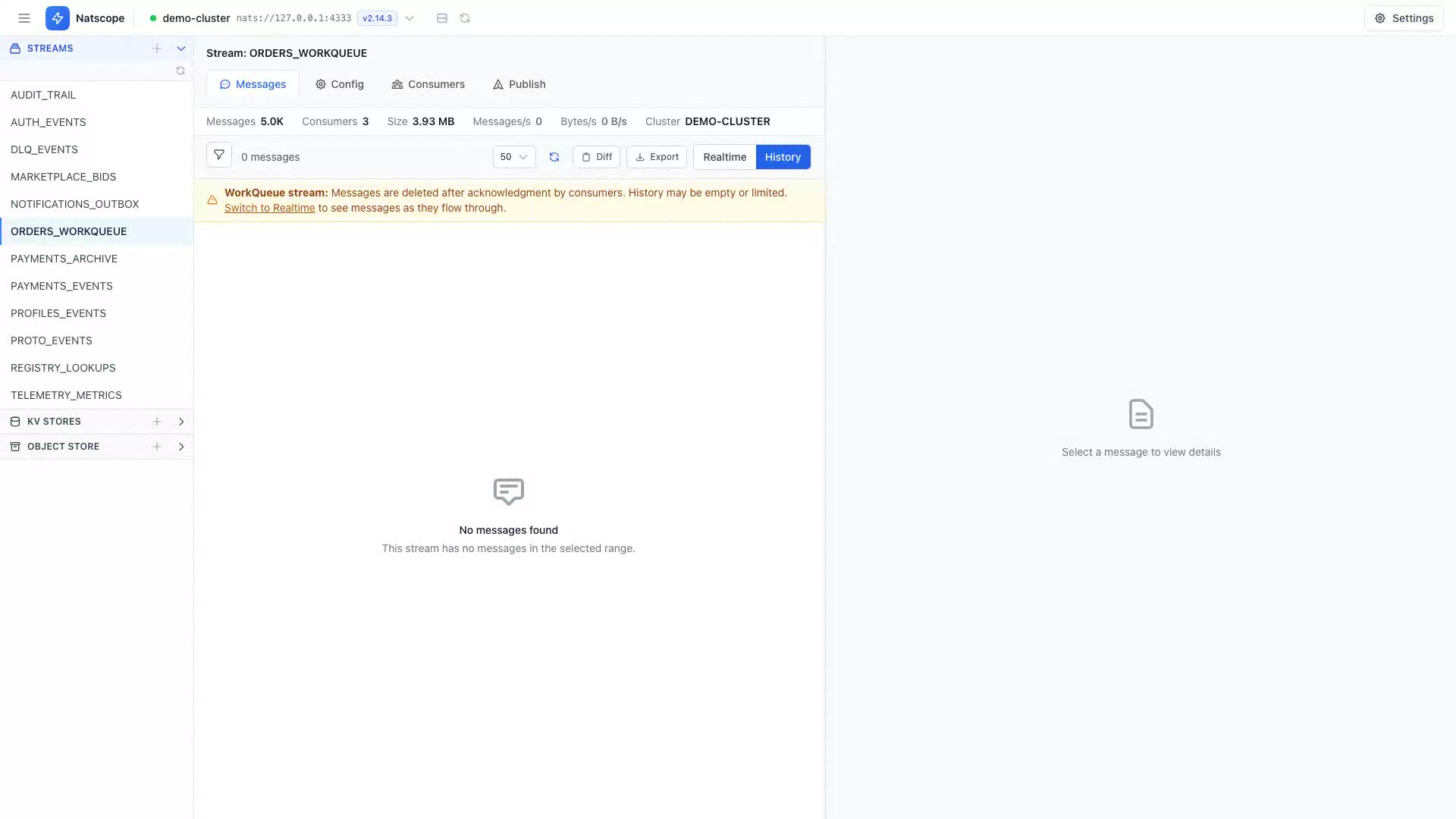
Flip the toolbar from History to Realtime and messages stream in as they arrive. A display-rate limit keeps a busy queue readable without slowing the subscription.
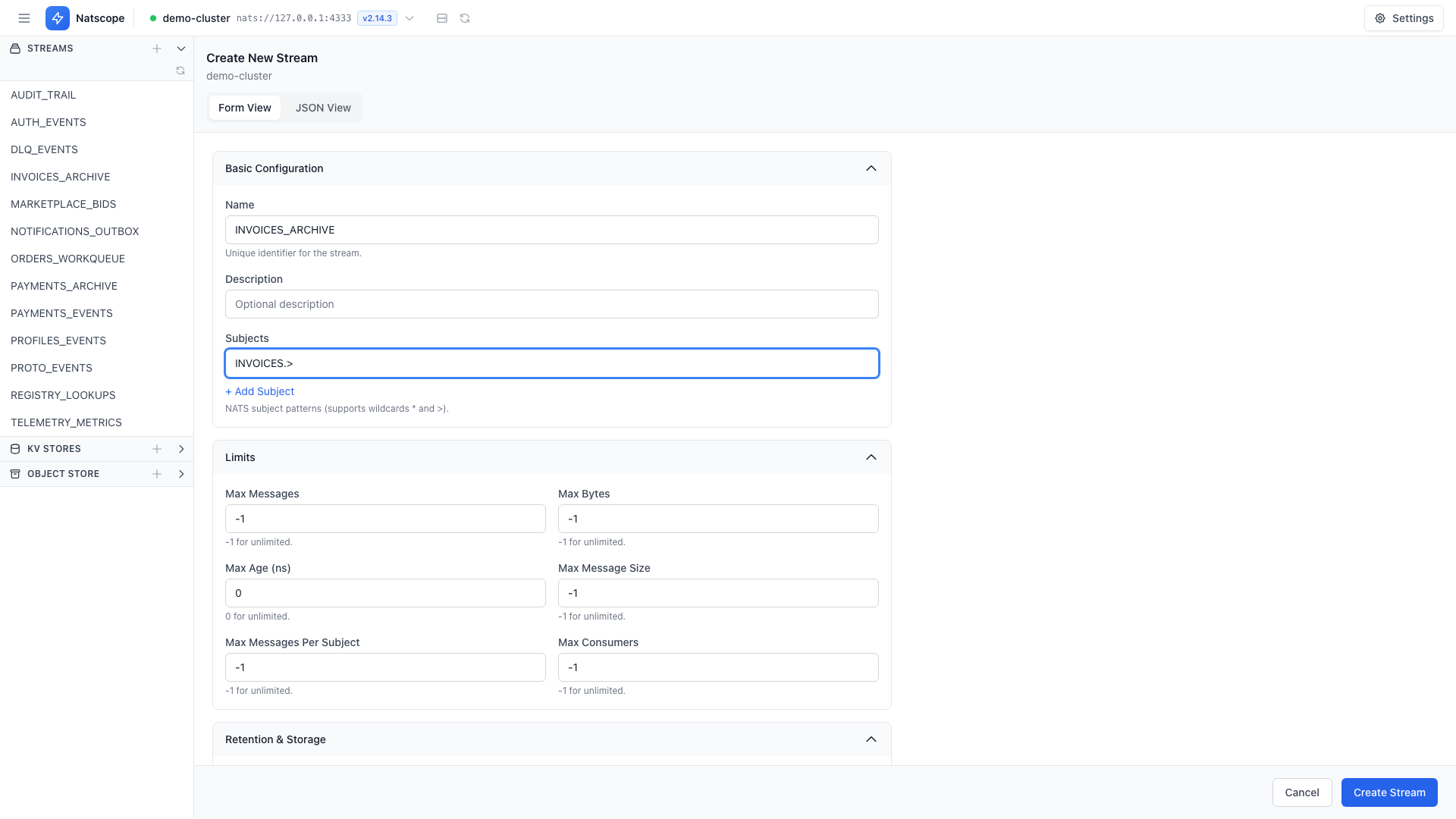
Change a stream in place. Saving shows a field-level diff before anything reaches the server. Purge, seal and delete sit under the same tab, each behind a confirmation.
A form with every config field, or a JSON view that takes a full JetStream config document.