
Publish history
Natscope logs every message you publish. There is nothing to set up and nothing to turn on. Each entry records the subject, the encoding, the payload and the result, so you can prove what you sent and when.
Where it lives
Open the Publish tab of any stream. The Publish History panel sits in the right-hand side panel, the same slot the message viewer uses on the other tabs.
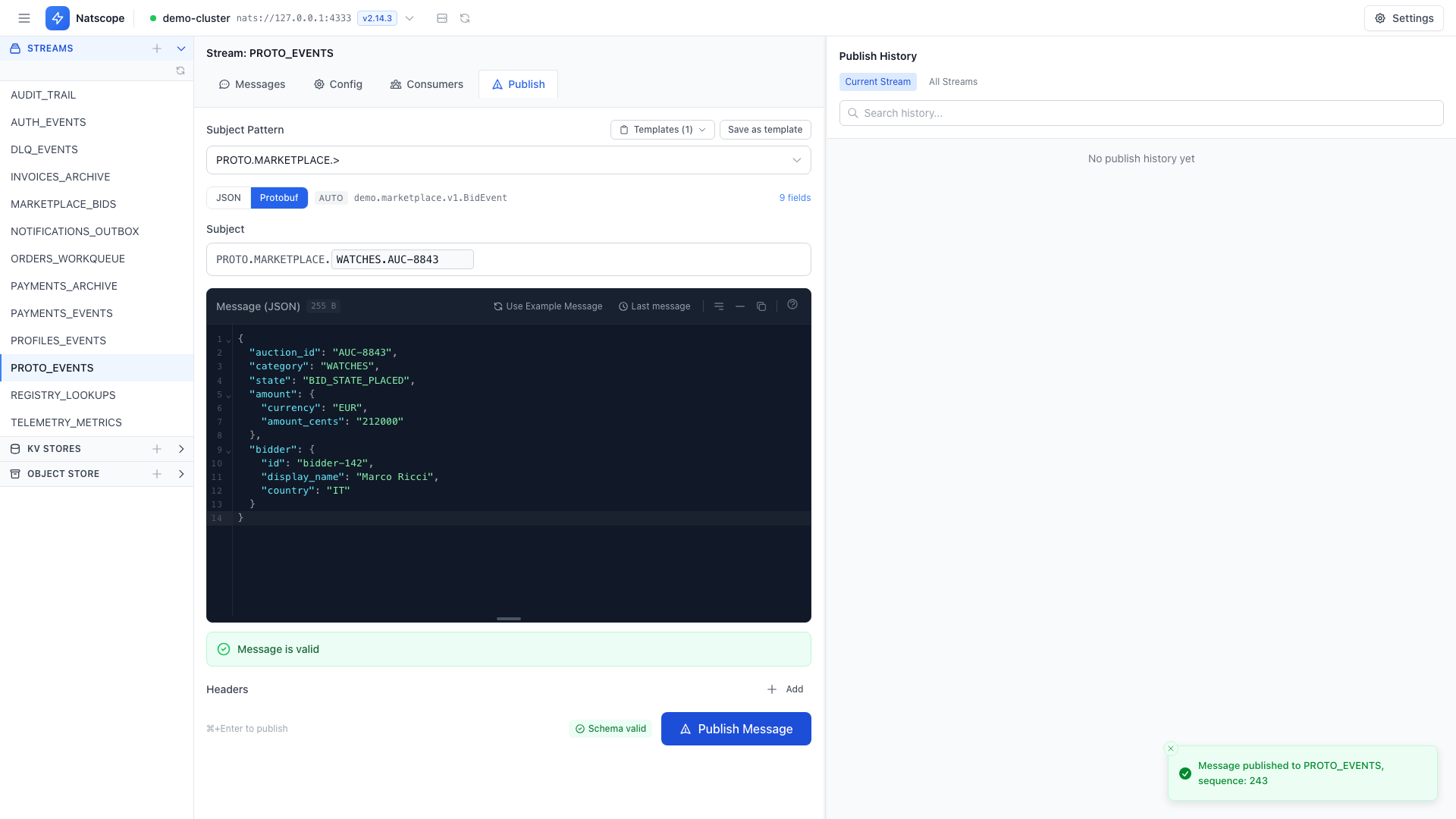
Find an entry
- Toggle between Current Stream and All Streams to widen or narrow the scope.
- Type in the search box to filter by subject or payload text.
Reuse an entry
Each entry has two actions:
- Load into form — put its subject, payload and headers back into the publish form, ready to send again or edit first
- Copy payload — copy the body to the clipboard
To turn a recurring entry into a named preset, load it into the form and click Save as template. See Templates.
Storage
History lives in the local bbolt database with the rest of your workspace, so it survives restarts and stays on your machine. See Data locations.