
Object Store
Object Store in the sidebar lists the JetStream Object Store buckets on the connected server. Open one to see its objects with their sizes and metadata.
Create a bucket
Click the + next to Object Store, or New object bucket on the overview page. The Create New Object Store form groups its config into Basic Configuration, Limits and Storage Options (storage type, replicas, compression). Click Create Object Store.
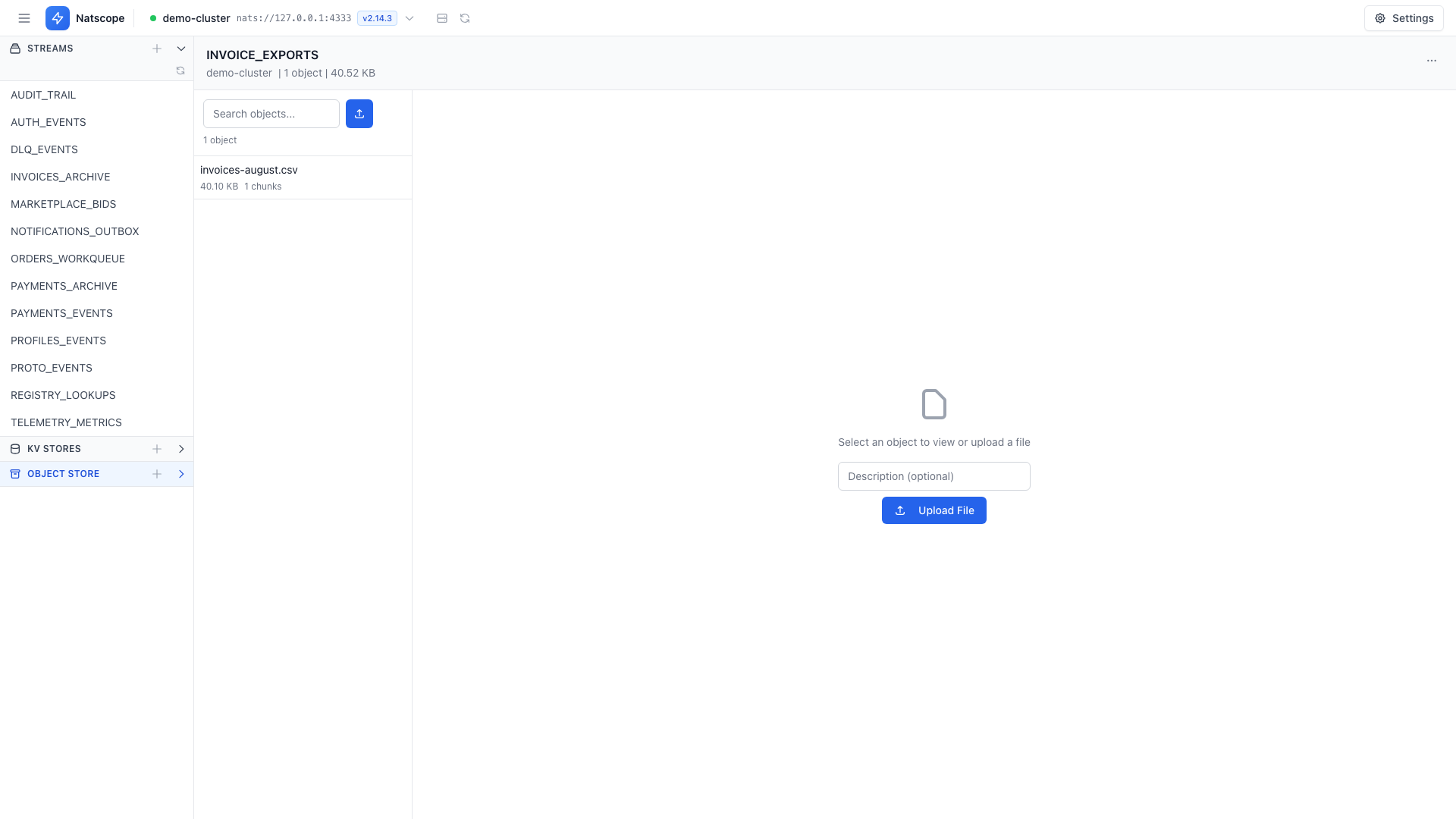
Upload and download
- Upload File picks a file from disk and writes it into the bucket.
- Download on any object writes it back to disk.
- Delete removes an object.
Seal a bucket
The bucket's overflow menu holds Seal bucket… and Delete bucket…. Sealing makes the bucket read-only for good; sealed buckets carry a Sealed badge. Both actions ask for confirmation.